What is Lalela?
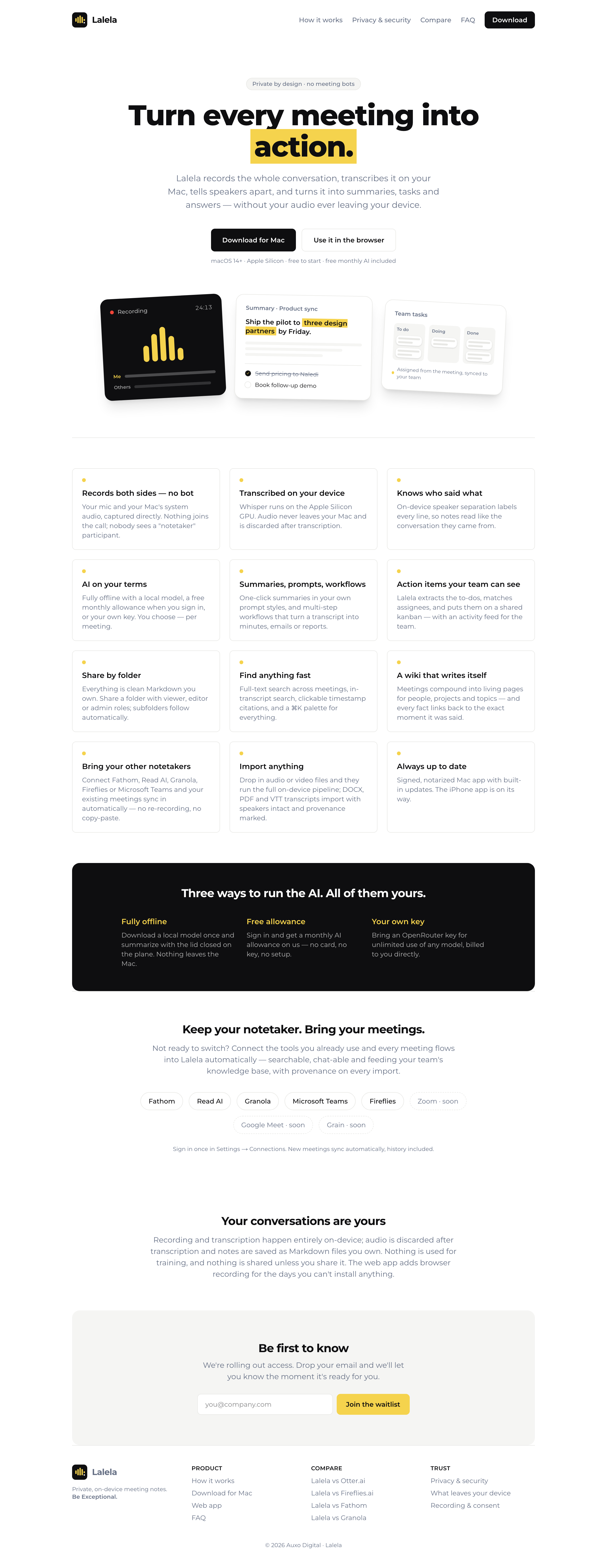
Lalela ("listen" in isiZulu and isiXhosa) is a private AI meeting notetaker for Mac, built by Auxo Digital. It records both sides of your meetings without a bot ever joining the call, transcribes them on your own device, tells speakers apart, and turns every conversation into summaries, action items and a searchable archive — without your audio leaving your Mac.
Private by design
- No meeting bot. Lalela captures your microphone and your Mac's system audio directly. Nobody sees a "notetaker" participant in the call.
- Transcribed on your device. Whisper runs on the Apple Silicon GPU, and the audio is discarded after transcription.
- Notes you own. Everything is saved as clean Markdown files on your Mac. Nothing is used to train AI models, and nothing is shared unless you share it.
- Voiceprints stay local. Optional speaker recognition stores voice data only on your Mac — never in the cloud — and you can delete it anytime.
AI on your terms
Choose per meeting: a fully offline local model (nothing leaves the Mac), a free monthly AI allowance when you sign in, or your own key for unlimited use of any model. Summaries, custom prompt styles and "chat with your meetings" all cite clickable timestamps back to the transcript. During a live call, the Meeting Copilot can suggest what to say next, draft follow-up questions, and recap what you missed — privately, on your Mac, only when you ask.
Bring your other tools
Keep the notetaker you already use — connect Fathom, Read AI, Granola, Otter.ai, Microsoft Teams or Fireflies and those meetings sync into Lalela automatically. You can also drop in audio or video recordings, or import DOCX, PDF and VTT transcripts.
The Mac app (macOS 14.2+, Apple Silicon) is the flagship. Lalela is also on Windows (Microsoft Store or direct download) and on iPhone and iPad (App Store), and a companion web app lets you view, search and share synced meetings from any browser.
Next steps
- Getting started — install, record, and get your first notes.
- Meeting Copilot — a private, on-screen assistant during a live call.
- Automations — tag meetings as they arrive and let Lalela file, summarise and send for you.
- Dictate anywhere — talk to type in any Mac app, transcribed on your device.
- Auto-sort into folders — let Lalela file meetings by topic and check the few it isn't sure about.
- Folder automations — put a folder on a schedule: weekly digests, task suggestions and sends.
- Share and organize — private links, folder sharing, and your people, companies and folders kept tidy.
- Menu bar, calendar and alerts — keep Lalela a click away and never miss the moment to record.
- FAQ — privacy, supported tools, and where your data lives.
- Privacy and usage data — what anonymous usage data Lalela sends, and how to turn it off.
- Open source — read the code that handles your audio in Lalela Community, the open-source desktop edition.