Getting started
1. Create your account
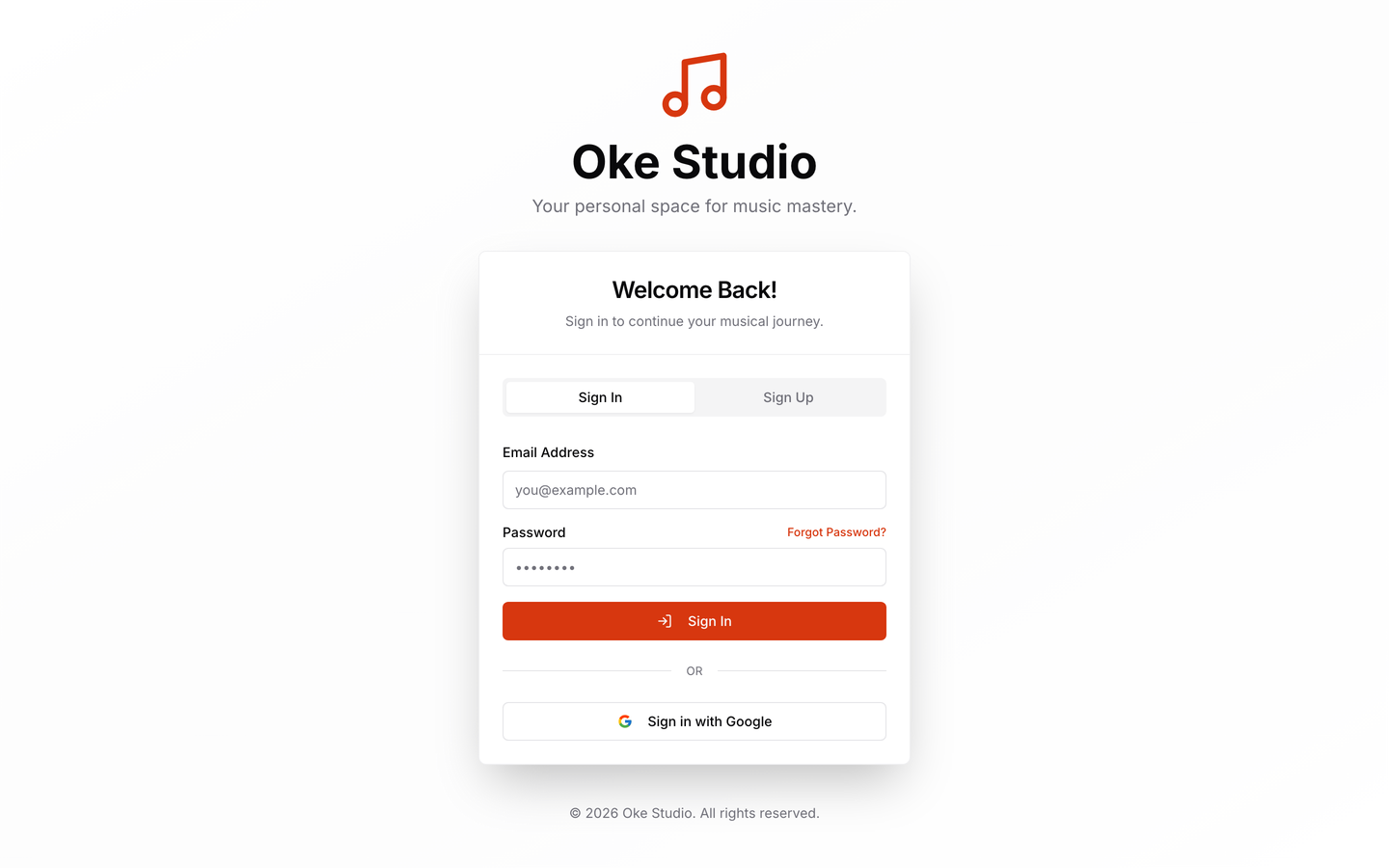
Go to app.okestudio.co.za and sign up with Google, Apple, or your email address and a password. Signing up creates a student account. Teachers: choose I teach music instead. You'll set up your studio in a minute, verify your email, and can invite students straight away — see For teachers.
Install the app
Oke Studio works straight from the browser, but you can also give it its own icon and window:
- PC or Mac (Chrome or Edge): open app.okestudio.co.za, then choose Install app — from the install icon at the right of the address bar, from your profile menu in Oke Studio, or under Settings → Install the app.
- Mac desktop app: download it from the Get the App section of our website. It updates itself automatically.
- iPhone or iPad (Safari): tap the Share button, then Add to Home Screen. Our App Store app is coming soon.
- Android (Chrome): open the browser menu and tap Install app (or Add to Home screen). Our Google Play app is coming soon.
2. If you're a teacher
Set up your availability so students can only book times that suit you. Then invite your students from the Invite students card on your dashboard: copy your invite link (or share it straight to WhatsApp), show a QR code they can scan with their phone camera, or give students who already have an account your Teacher ID code. Once students are linked, you can book and manage lessons, keep notes on each student, share resources, and watch their song progress from your dashboard.
3. If you're a student
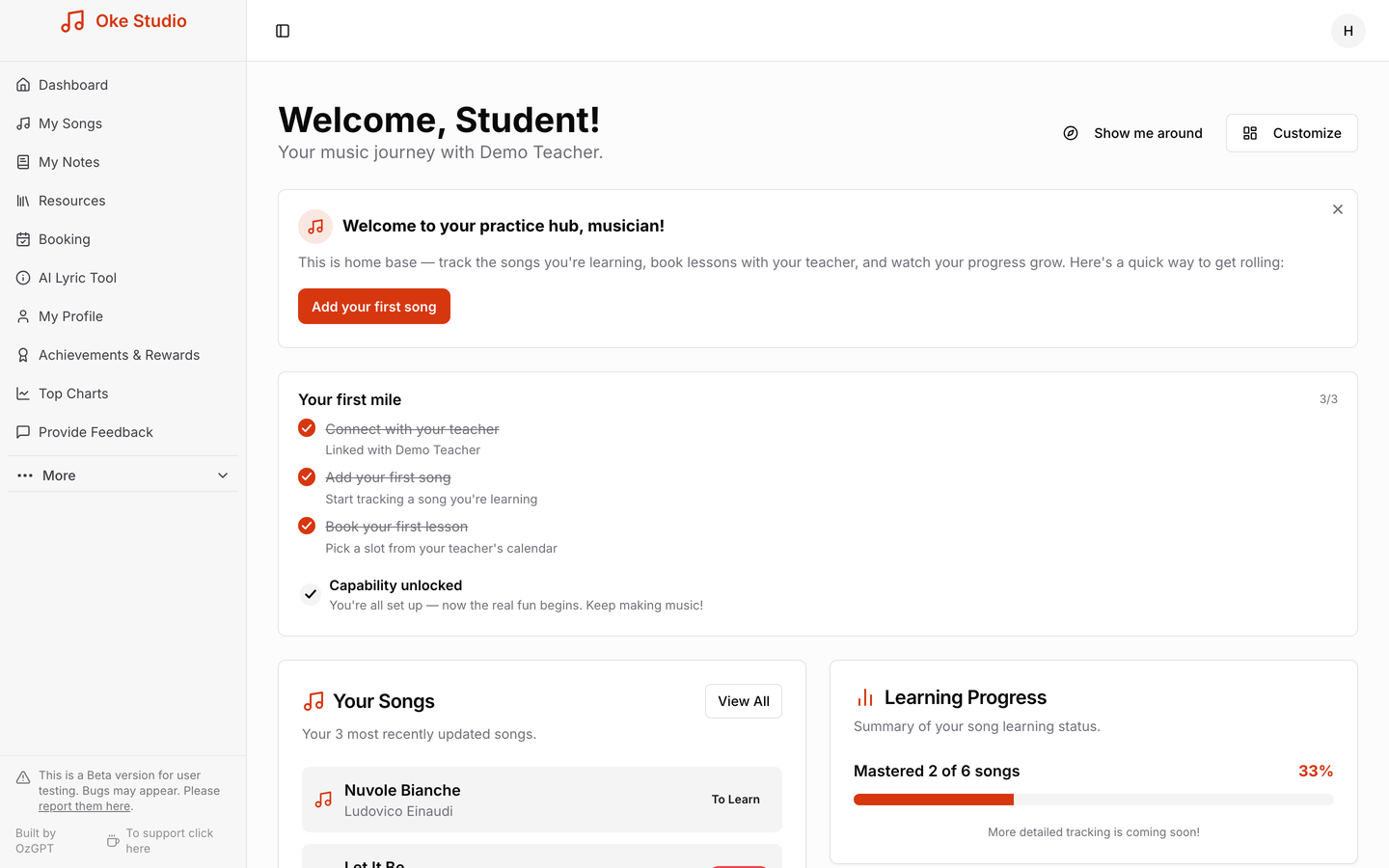
To link up with your teacher, open the invite link they send you or scan their QR code. New to Oke Studio? Create your account from that page; your home screen then asks Connect with your teacher, and one tap links you. If you already have an account, you can also paste the link or your teacher's Teacher ID code into the Connect to your teacher card on your home screen. From there you can book lessons in your teacher's available slots, add the songs you're working on, and move each one from learning to mastered as you improve. You'll earn Oke Coins along the way — for adding songs, writing notes, sharing resources, mastering pieces and more.
4. Spend your coins in the Rewards Store
Oke Coins aren't just for show. The Rewards Store in the app lets students spend them on rewards — from an instant confetti celebration or a daily quote widget for your dashboard, to AI-generated treats like a personal poem or profile avatar, right up to big rewards such as a free lesson with your teacher (subject to their approval) or months of Oke Pro. The store is one of our newest features, and it's still growing.
Every coin you've ever earned also counts towards your mastery level — a ladder that climbs from Open String all the way up to Maestro. Your level is based on your lifetime total, so spending coins in the store never sets you back.
5. Going Pro (optional)
The Free plan is a proper starting point, not a demo. When you outgrow its limits — 20 songs, 30 notes, or 10 students for teachers — upgrade to Oke Pro (R49 per month) inside the app. Payment is by card, in Rand, and you can cancel whenever you like. There is no free trial: Free stays free forever, and Pro starts the day you upgrade. See the pricing page for what each plan includes.
Where to next: Songs, notes & practice · Oke Coins & rewards · Booking lessons · For teachers · FAQ