Getting started
Getting set up takes a few minutes. There are three moves that make Couple Capital click, and the app walks you through all of them.
1. Create your account
Open Couple Capital and choose Get started (or Start free). You can sign up with your Google account or with an email address and password. It is free to start and no card is required.
Already have an account? Choose Login and pick the same method you signed up with.
2. Link with your partner
Couple Capital is built for two — connecting is what turns it into one shared picture.
- Go to Settings → Partner (also shown as Manage Partner).
- Choose Link with your partner. Couple Capital creates a unique invite link and QR code for you.
- Send the invite link to your partner, or let them scan the QR code.
- Your partner scans the QR or opens the link, signs up, and you are connected automatically.
From that moment your dashboards, transactions, goals and vault are shared. You can always change this later — see the FAQ on unlinking.
3. Complete your first mile
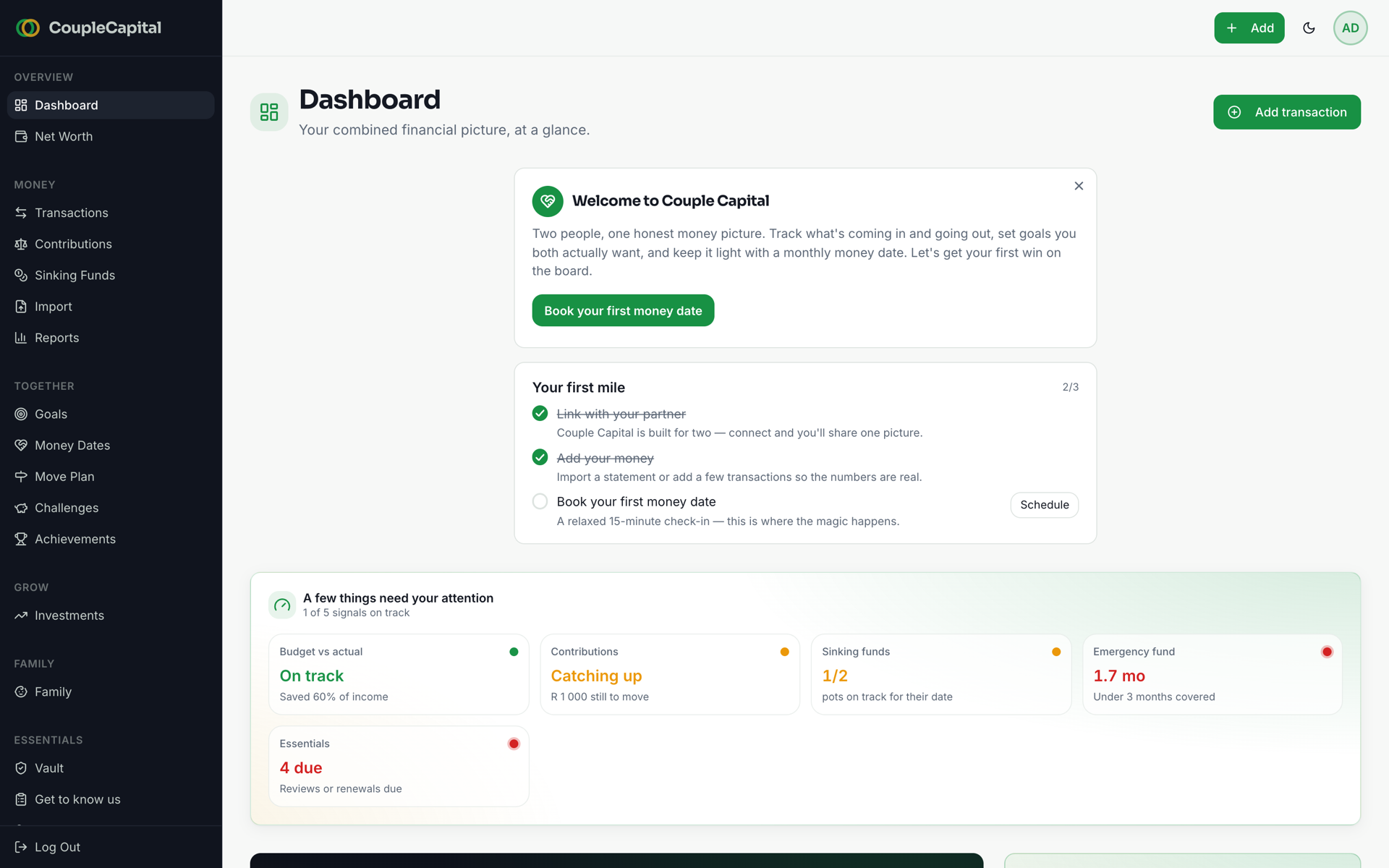
Once you are in, the dashboard shows a short Your first mile checklist — three real steps, each driven by your actual data rather than busywork:
- Link with your partner — connect so you share one picture.
- Add your money — import a bank statement or add a few transactions so the numbers are real.
- Book your first money date — a relaxed 15-minute check-in, and where the magic happens.
Tick all three and you are set up as a team.
Your dashboard and Financial Fitness score
The Dashboard is home base: your combined financial picture, at a glance. It shows your income and spending for the month, your next money date, and a shared Financial Fitness score that both of you level up together as you build good habits.
Add your money next — head to Money together to bring in transactions and set up a fair split — or jump straight to booking your first Money Date.