Getting started
Buza is up and running in three steps — no installs for your members, no card for the trial.
1. Create your assistant
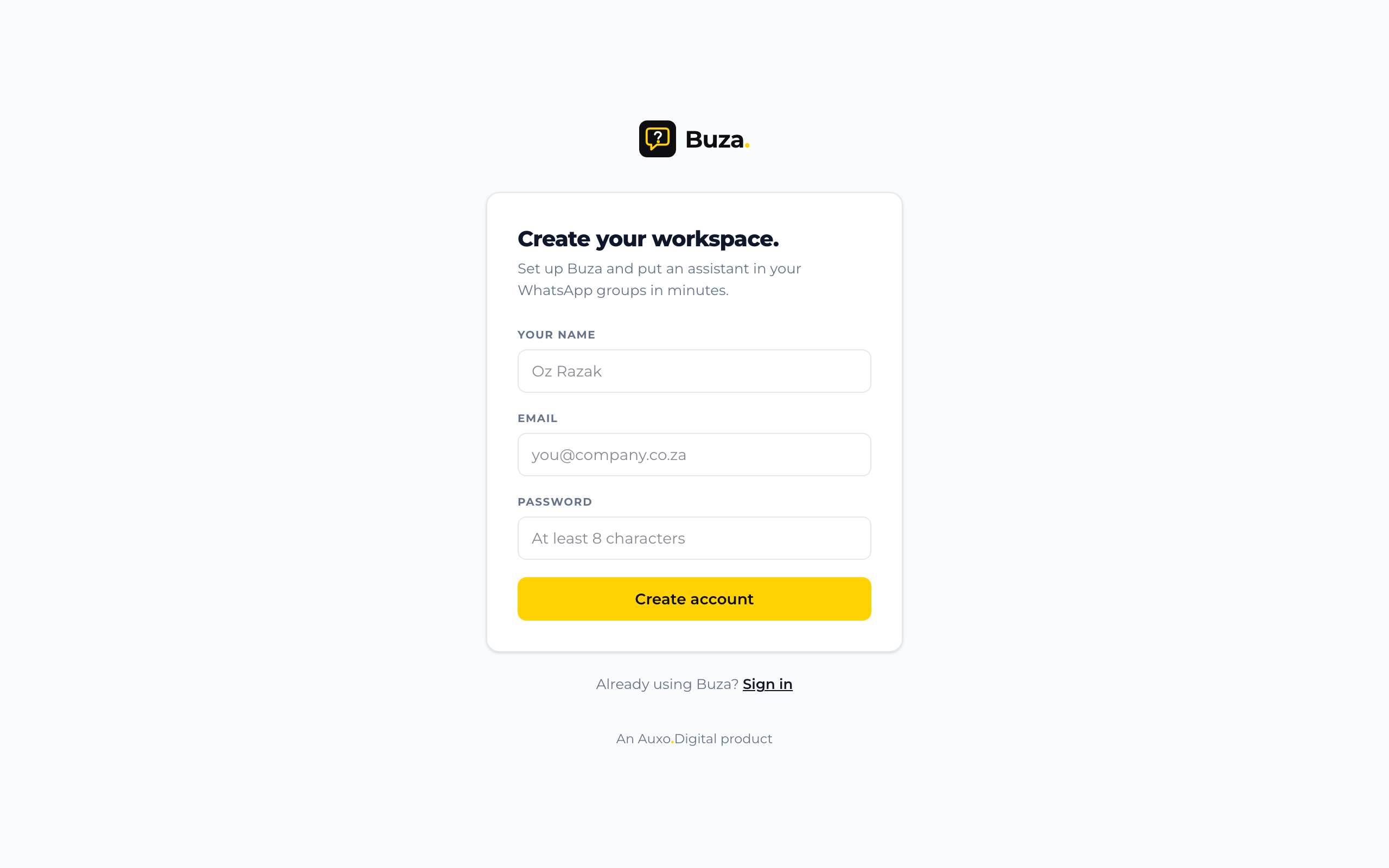
Sign up, name your assistant, and pick community or business. Your workspace is ready in about 60 seconds — assistant, demo number and example conversations included, so you can see exactly how it works. Every new account starts with a 14-day free trial — no card needed.
2. Tune it in demo mode
Your assistant starts in demo mode: chat with it from the dashboard exactly as your members will on WhatsApp, and shape what it knows and how it sounds. Live WhatsApp connections — adding the assistant to your groups and connecting your own business number — are being rolled out now. Everything you set up in demo mode carries straight over when yours goes live.
3. Buza answers. You stay in control.
From the dashboard you can:
- watch every conversation across groups and chats in one place,
- tune the assistant's prompts and upload reference files it should answer from,
- keep a toxicity watchlist and review anything it flags,
- pause replies with one switch whenever you want the room to yourself.
Bring your team in
You don't have to run Buza alone. In Workspace settings → Invite links, owners and admins can create an invite link and share it with a colleague — opening the link lets them create an account (or use their existing one) and land straight in your workspace. Choose whether each link joins people as a member or an admin; links expire after 14 days and can be revoked at any time. From the same screen you can promote members to admin, or disable someone's access without deleting anything.
Test it before your members do
The dashboard has a built-in test chat — talk to your assistant there as much as you like while you tune its prompts. Test chats are always free and never count against your message credits.
Tips for a good first week
- Seed its knowledge. The assistant is only as good as what you give it: add your FAQ, house rules, schedules, or price list as prompts and files.
- Start in one group. When your WhatsApp connection goes live, begin where the questions are predictable, then roll it out wider.
- Tell your members. A one-line intro ("we've added an assistant — ask it the usual questions") sets expectations and cuts the "what is this bot?" noise.
Coming back later?
Head back to your dashboard any time and sign in to pick up right where you left off — nothing you set up in demo mode is lost.