Getting started
1. Your vault
The Codex sits on top of a Markdown vault — a folder of plain-text notes. If your team already uses Obsidian, it's literally the same files; if not, we help you structure one (strategy, products, sales, delivery, people) as part of onboarding. Edits flow through git, so every change has history.
2. Your team signs in
The web wiki uses your existing Microsoft sign-in — no new passwords. Each person sees exactly what their role allows (see Security & access); the home tree, search, tags and backlinks all respect the same permissions.
3. Reading, and changing things safely
Anyone can read what they're allowed to; edits are proposals: a change made in the web app becomes a small review request that an owner approves before it's published. Nothing lands silently, and every note keeps a change history you can view and restore from.
4. Ask the AI
Open the chat and ask in plain language — "what did we decide about pricing?", "who owns the Q3 rocks?". The assistant searches the vault, reads the notes, and answers with citations — every claim links to the note it came from, so you can verify rather than trust.
5. The desktop app (optional)
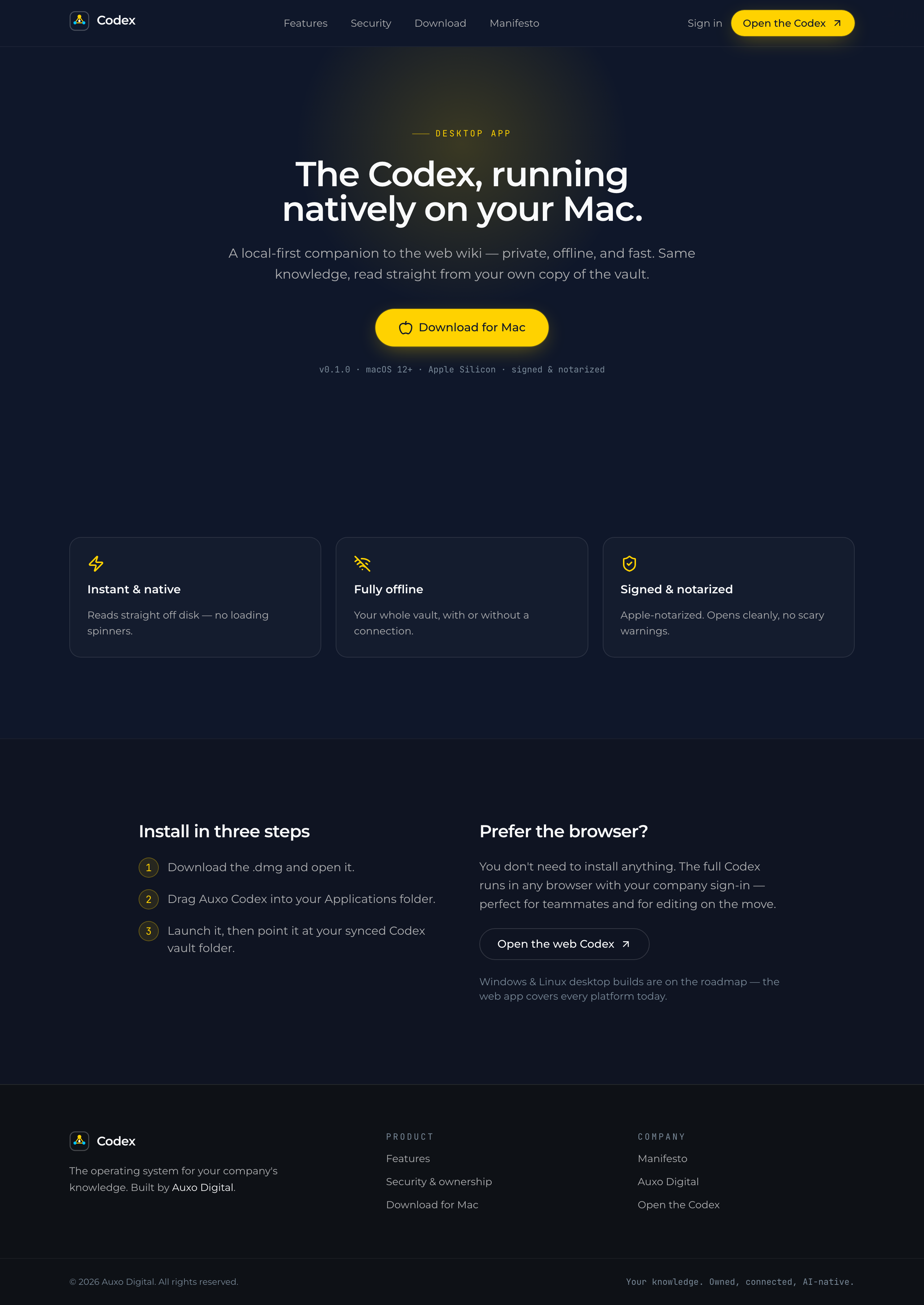
People who live in the vault all day can install the macOS app: local-first, instant, works offline, reads straight from their own synced copy. Everyone else needs nothing beyond a browser.
Want the Codex for your company?
We're onboarding early teams — write to hello@auxo.digital and we'll walk you through it with your own content.