Getting started
1. Sign up
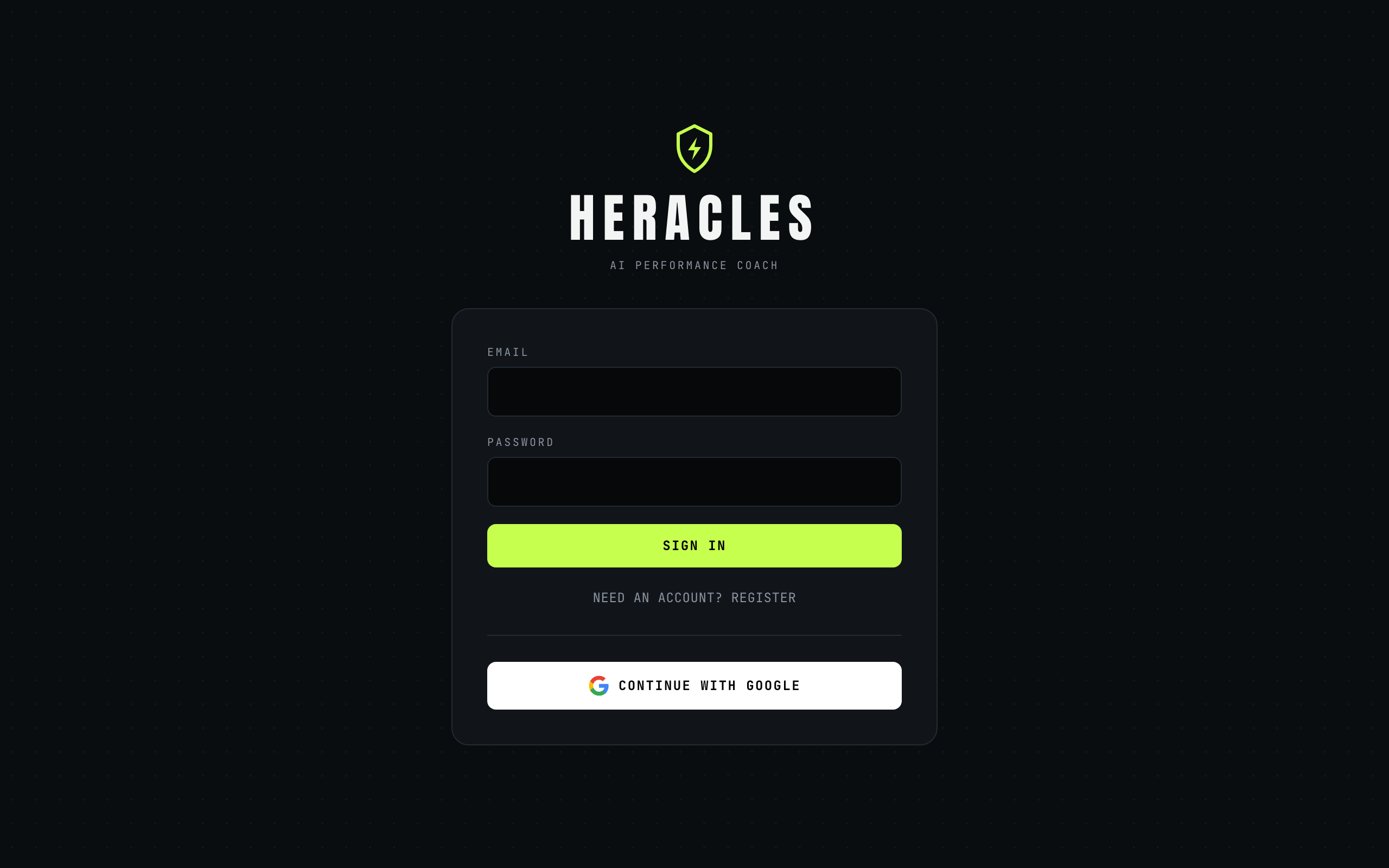
Go to heracleshealth.ozrazak.com and sign in with Google or an email address. A short onboarding asks about your body, your goal, the equipment you have and any injuries — this is what your coach uses to personalise everything that follows.
2. Check in and build your protocol
Each morning, open Today and do the readiness check-in: five quick sliders covering sleep, energy, soreness and stress. You'll get a readiness score out of 100 with a colour-coded band and guidance.
Then tap Build today's protocol. One tap generates your full session — warm-up, exercises with sets, reps and effort targets, plus diet tasks for the day — tuned to your readiness and where you are in your four-week training block. Tap Regenerate if you fancy a different mix.
3. Live your day
- Train: tick off sets as you go and log your actual reps and weight. Every exercise has a swap button if a machine is taken or something niggles.
- Eat: log meals on the Fuel page by text, photo, voice or barcode scan. Macro rings show calories, protein, carbs and fat against your personal targets. Tap the water buttons to track hydration.
4. Debrief by voice
Too busy to log as you go? Tap the microphone on Today and speak your whole day once: "benched 80 for 8, chicken wrap, banana smoothie, two litres of water, slept badly." Heracles shows you what it heard, and one tap logs the lot.
5. Watch your Labors
The Progress page scores your week across Training, Nutrition and Consistency — a composite out of 100 and a rank from Mortal to Olympian. Log something meaningful every day to keep your streak alive; miss a day and a streak freeze has your back.